Gmail
0. Prerequisites
Enable 2-Step Verification for your Google account if you haven't already.
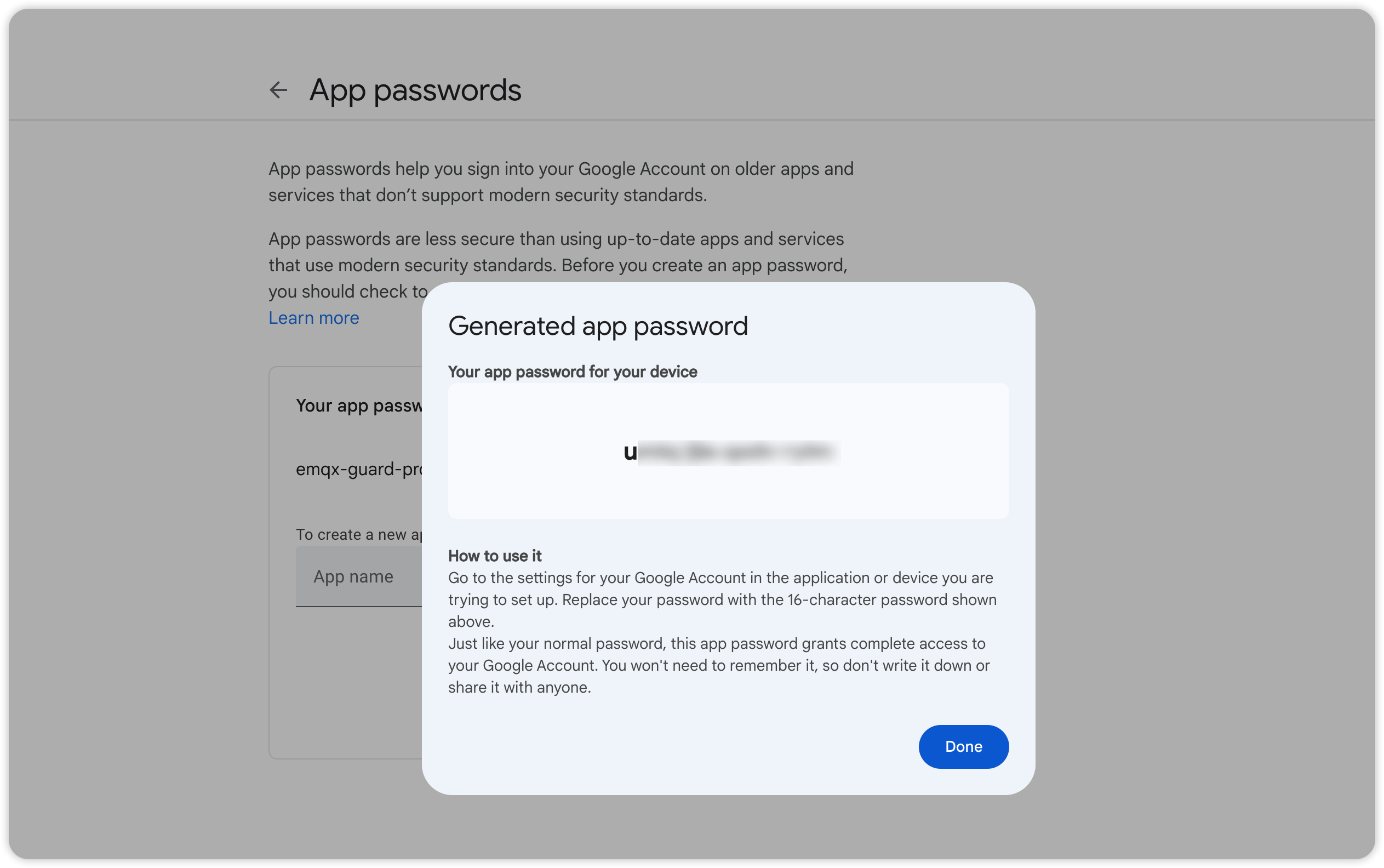
1. Create an app password
- Go to your Google Account settings
- Select "Security"
- Under "Signing in to Google," select "App Passwords"
- Generate a new app password for emqx_guard_pro
2. Copy Gmail SMTP configuration
> more smtp.conf
smtp {
  enable = true
  auth = if_available
  from_address = "[email protected]"
  host = "smtp.gmail.com:465"
  password = "The app password you generated"
  skip_verify = true
  to_address = "[email protected] ,[email protected]"
  user = "[email protected]"
}
3. Load the configuration
./bin/emqx ctl guard load ./smtp.conf
loaded smtp ok
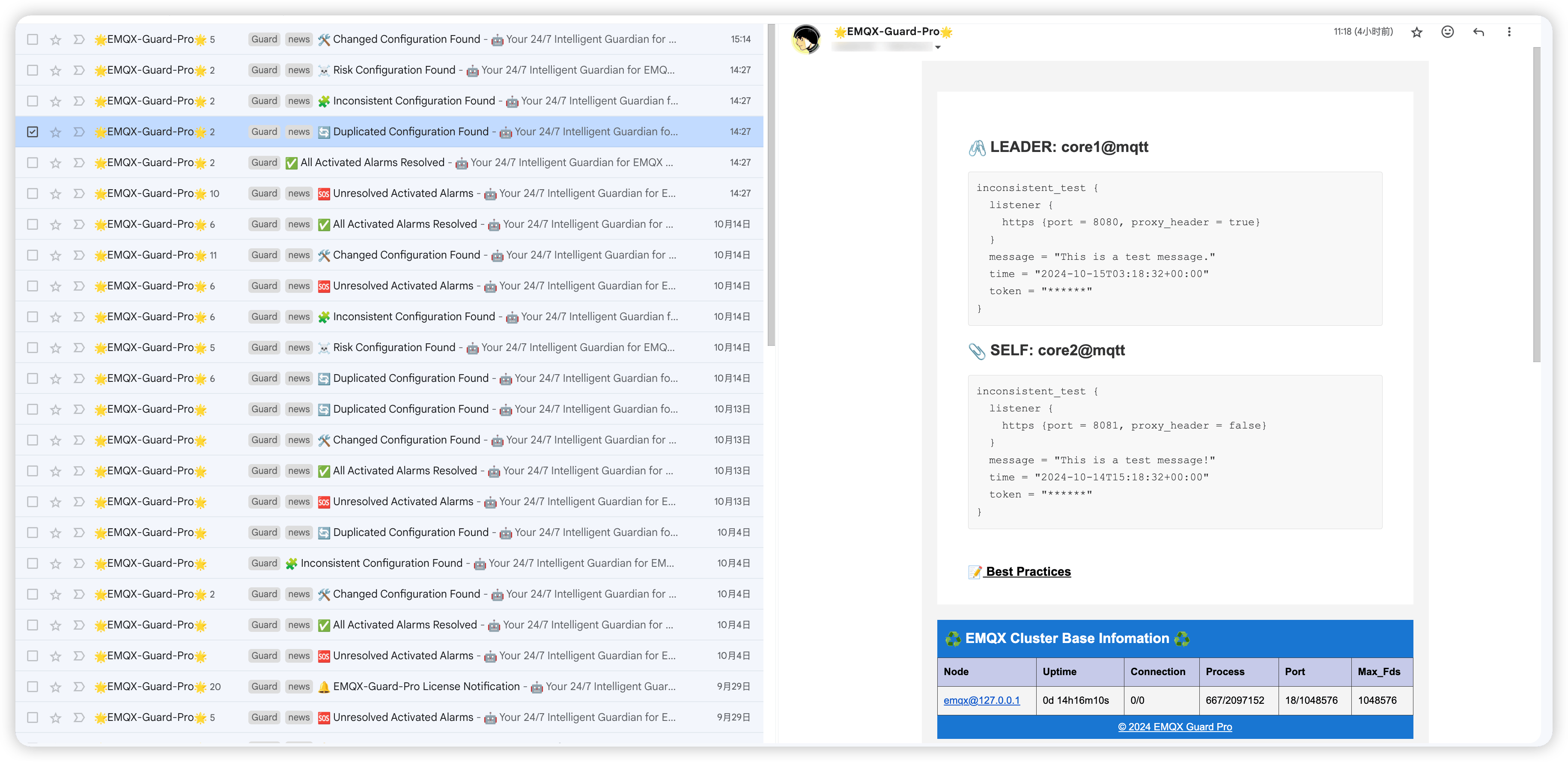
4. Test the notification
./bin/emqx ctl guard test
5. Common issues
If you don't receive the test message and find no errors in the EMQX log, verify:
userandfrom_emailare full Gmail addresses (@gmail.com)passwordis the generated app passwordskip_verify = truehost = "smtp.gmail.com:465"(not port 587)